
AI dictation and window snapping for Mac. Stay on one thing.
PeakFlow adds dictation, window snapping, clipboard history, focus dimming and meeting alerts to your Mac in one app. On Windows too.
Free for 30 daysNo account or cardVersion 2.1.6, 25 OctSee it in action
Talk, and the words land where your cursor is
Speak while you hold a key. When you let go, PeakFlow tidies the text and types it into the app you are using.
- Hold fn on a Mac or Right Ctrl on Windows, or pick another key
- Removes um and uh, and adds punctuation
- Prepaid top-ups from US$5. Credit never expires

Snap windows into place
Put the front window in a half, a third or a corner from the keyboard. One panel arranges every open window at once.
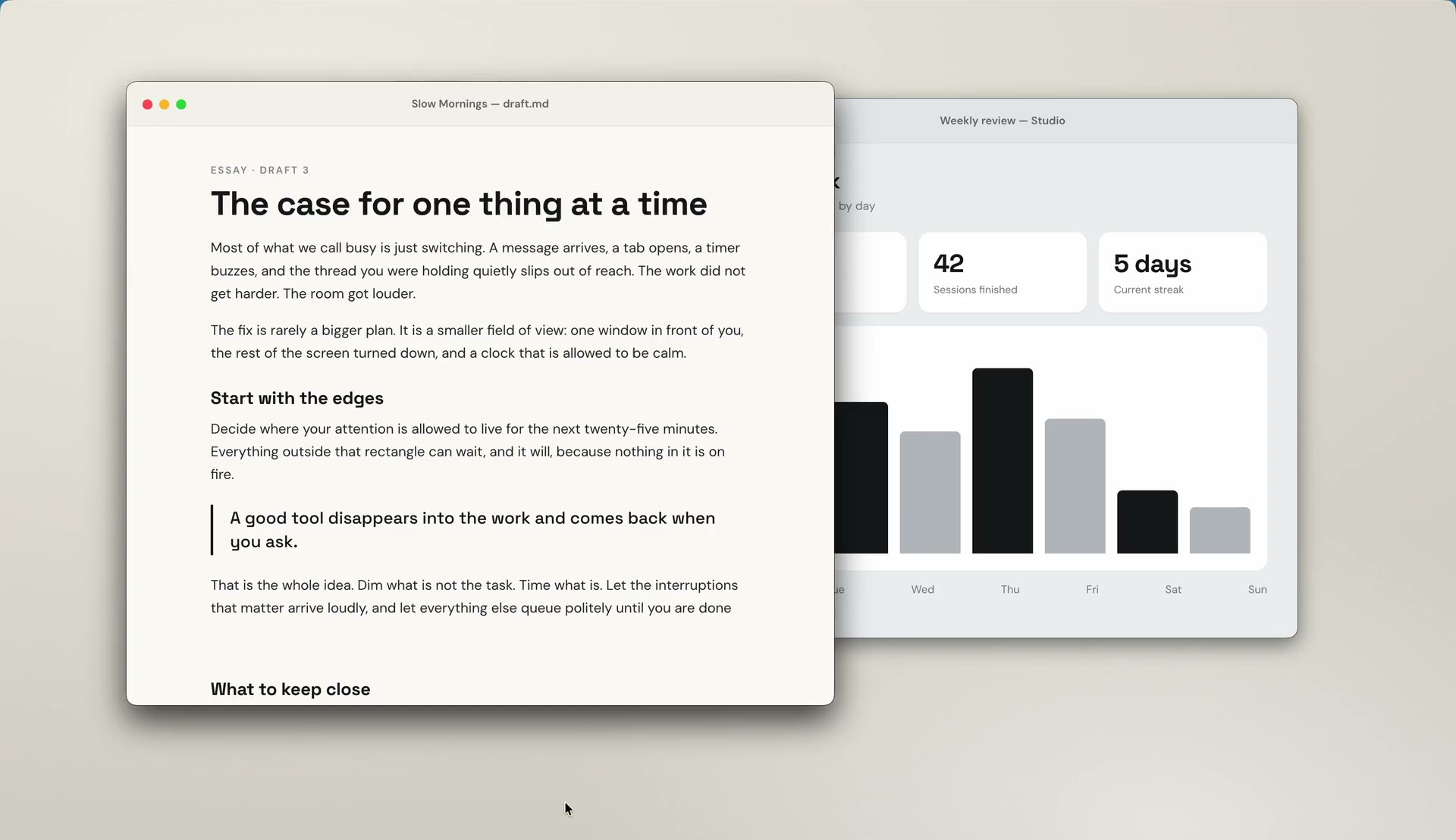
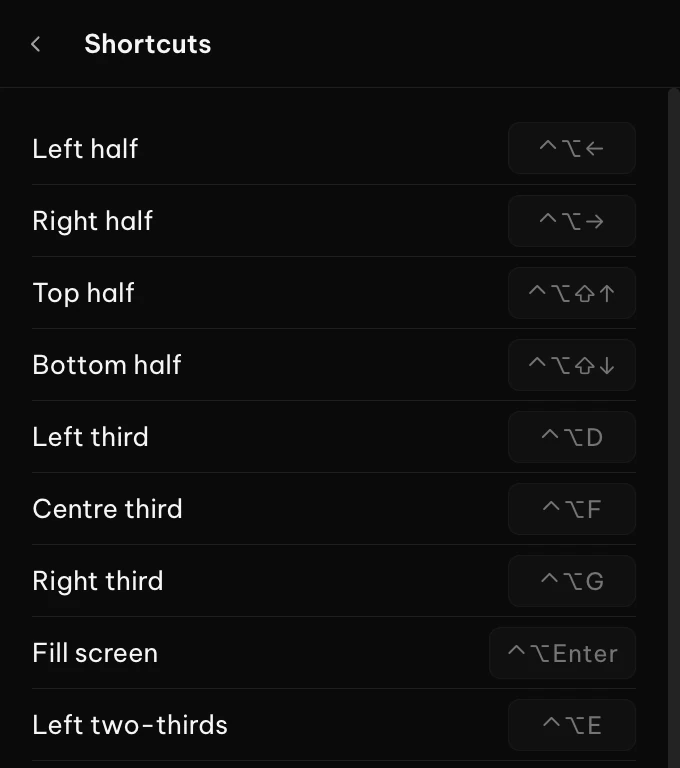
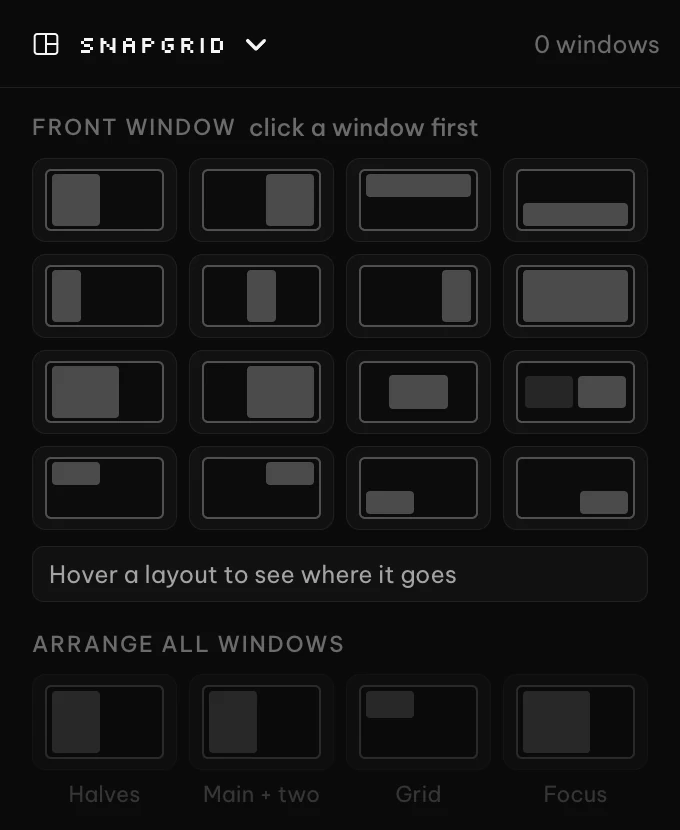
- Arrange all windows as halves, a main window with two, a grid or a focus layout
Dim inactive windows
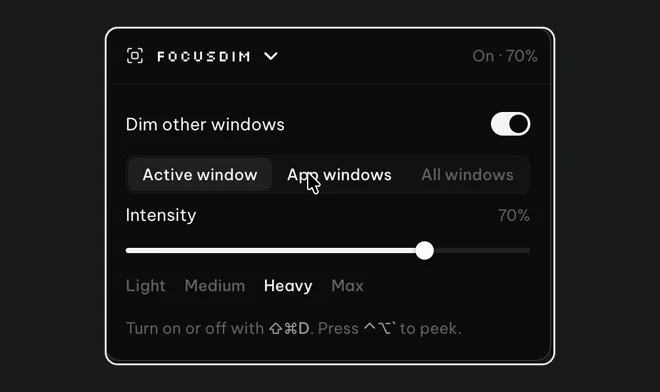
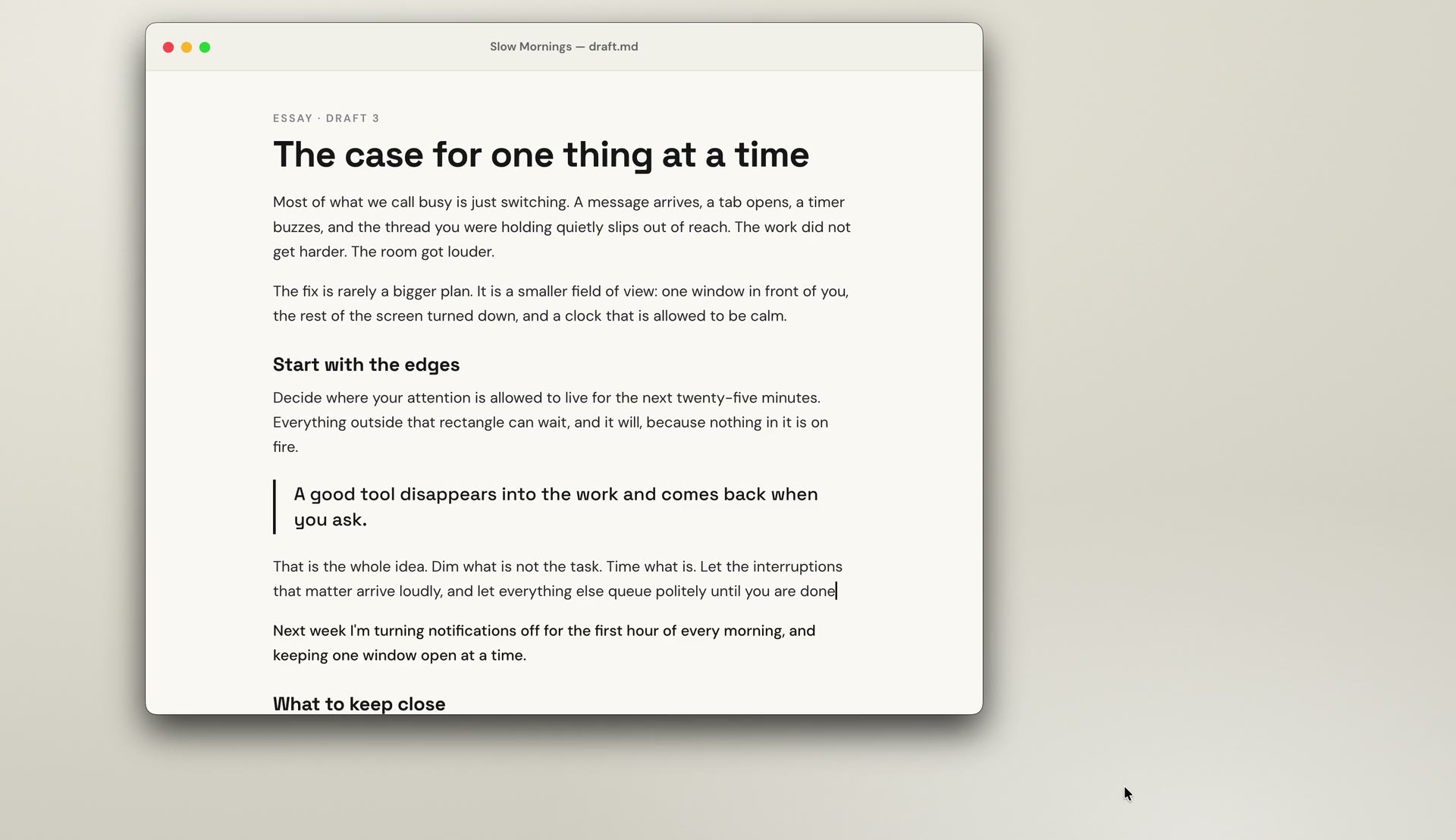
Everything except the window you're working in fades back, so your eyes stay on your work. Click another window and the focus moves with you.
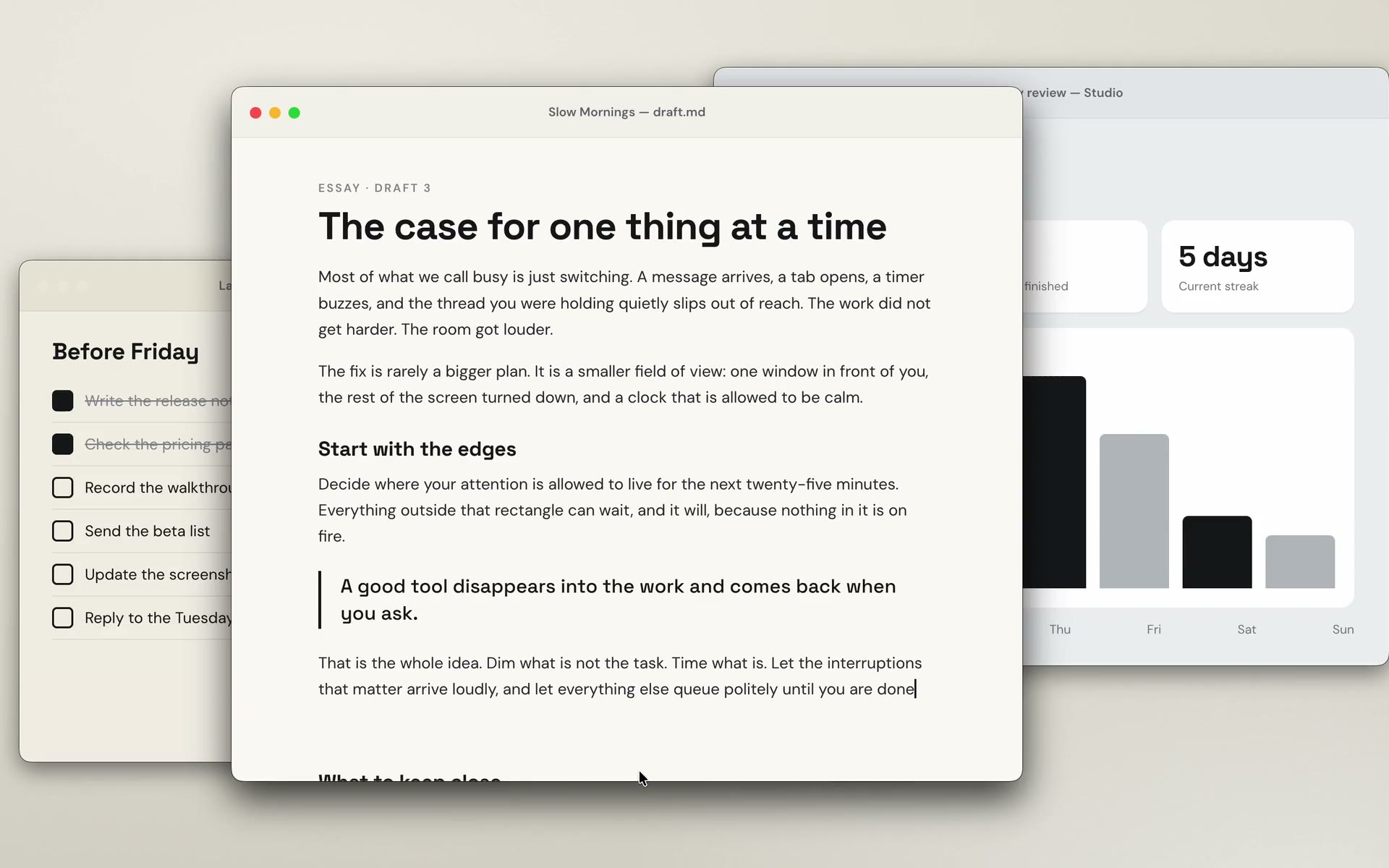
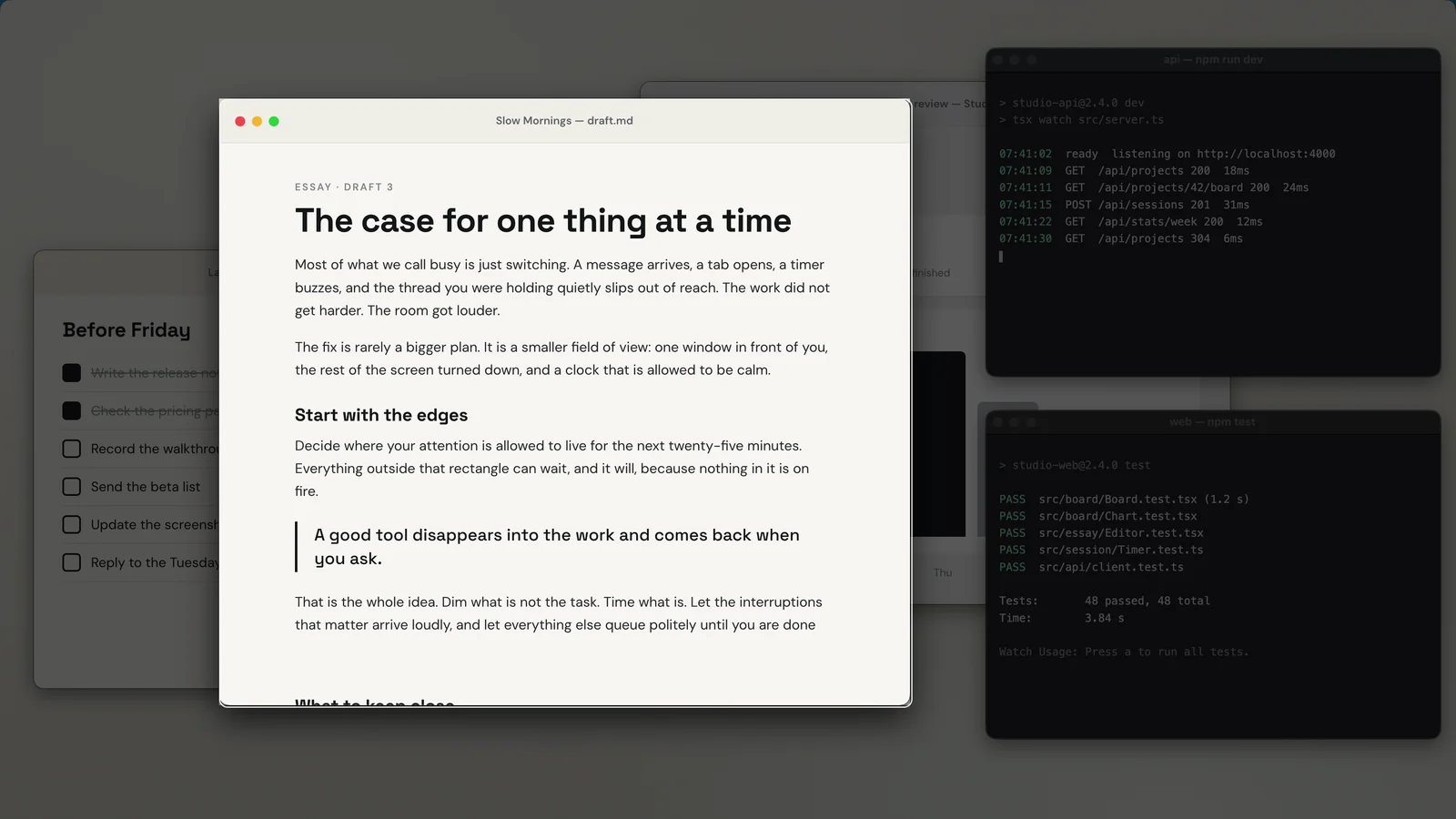
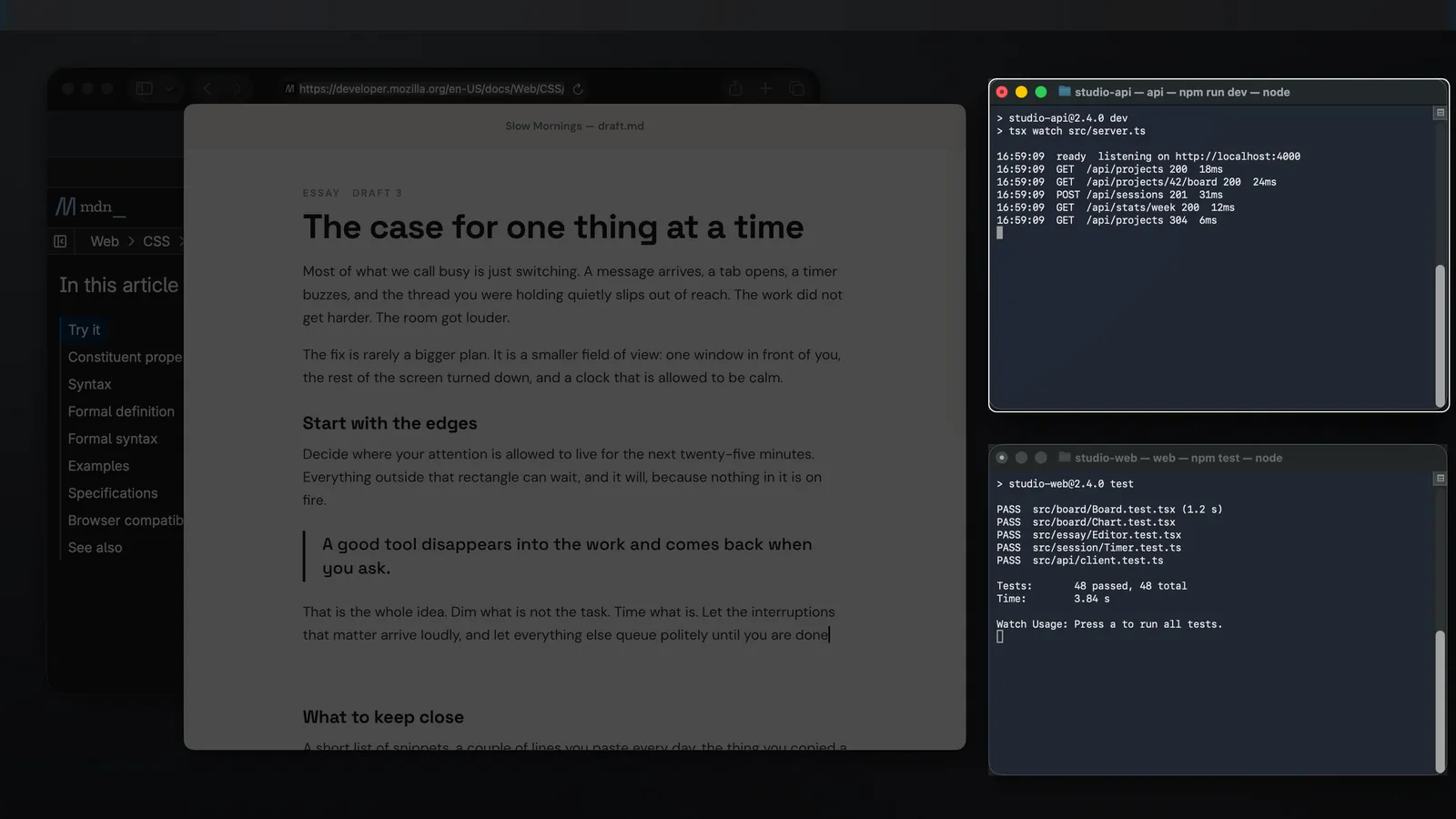
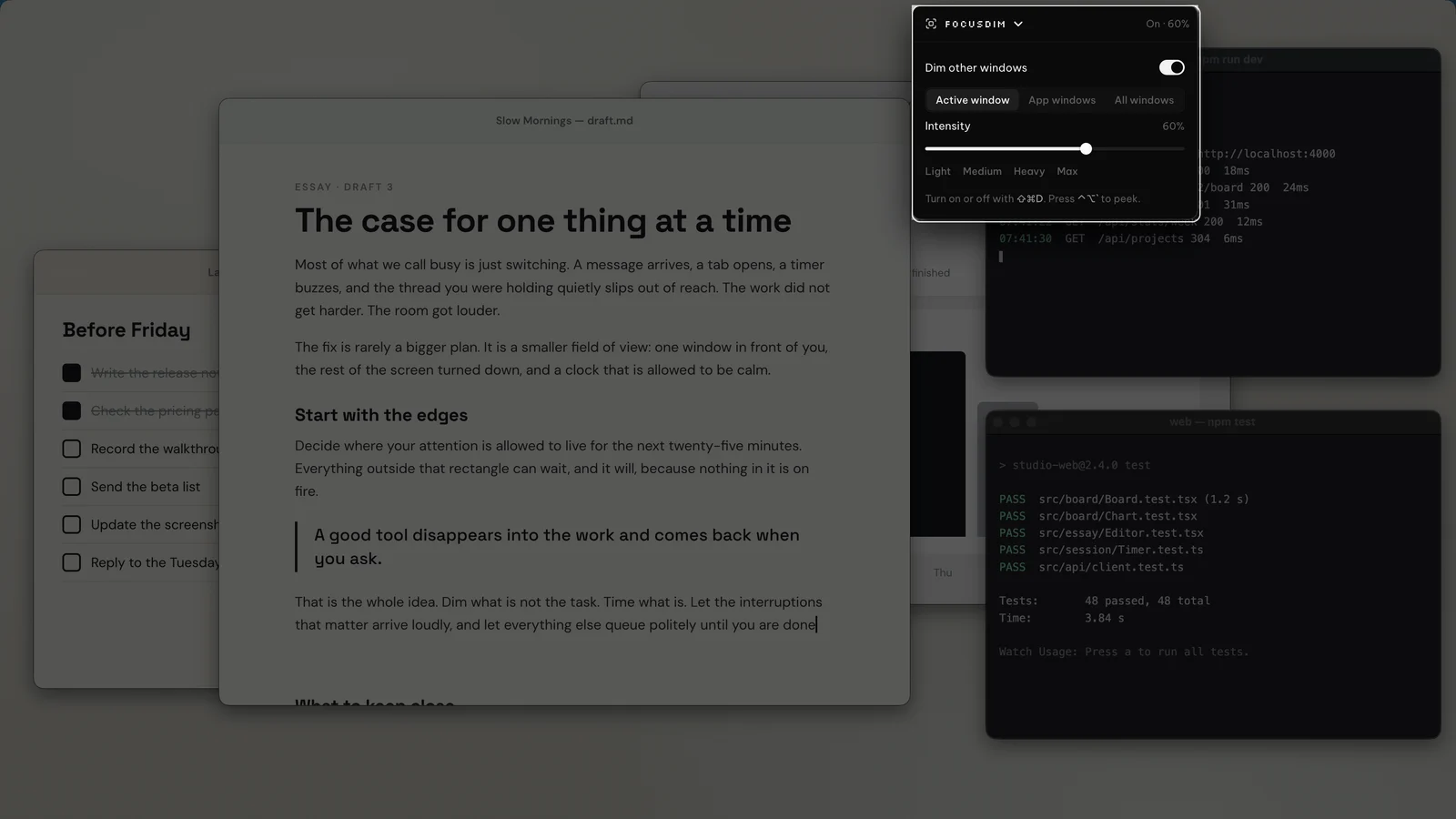
- Works across multiple monitors
- Fades out while you drag a window, then back when you drop it
Full-screen meeting alerts
A small notification is easy to miss when you're deep in something. ScreenSlap takes over the screen just before a meeting starts, with the join button right there.
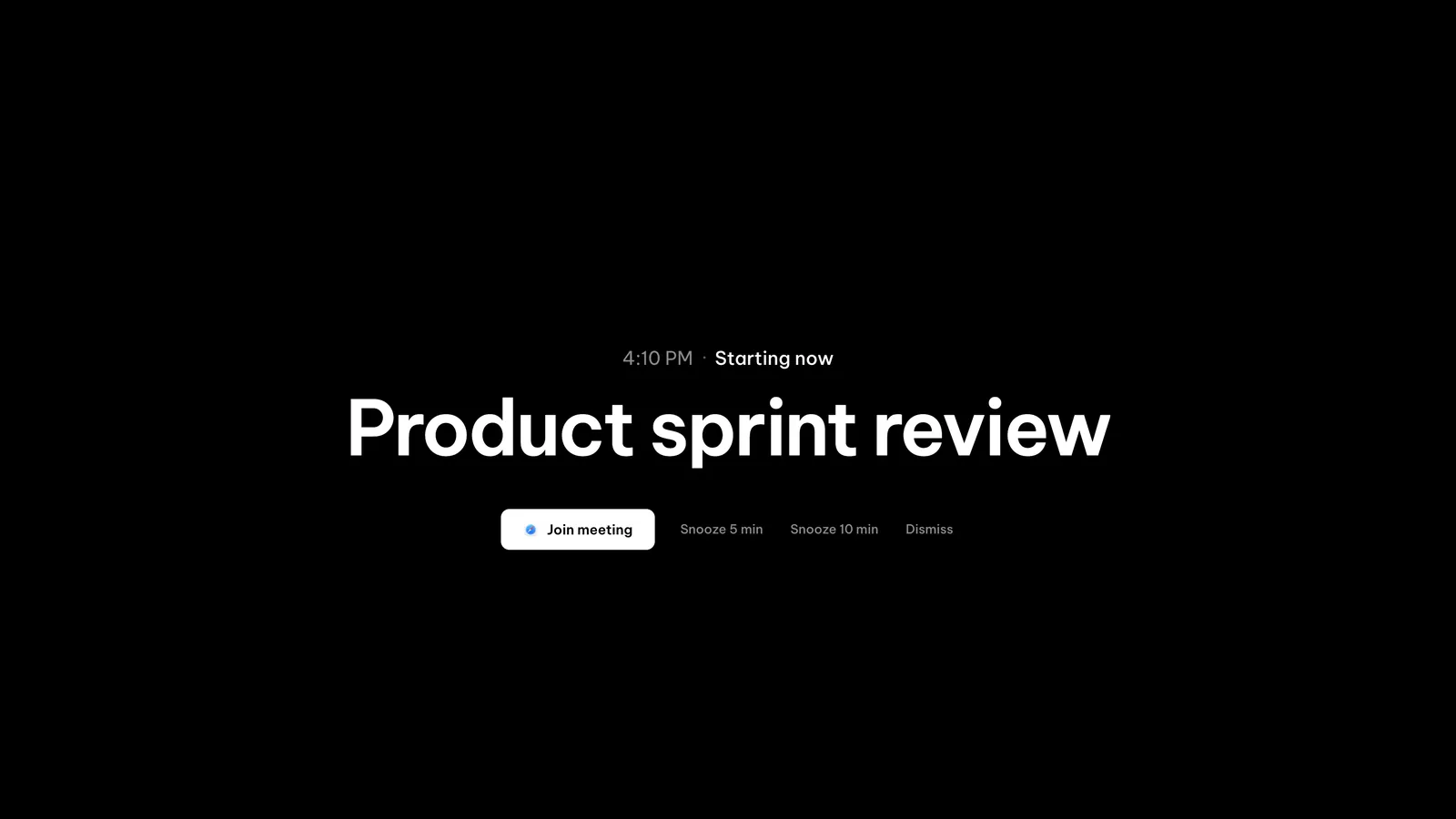
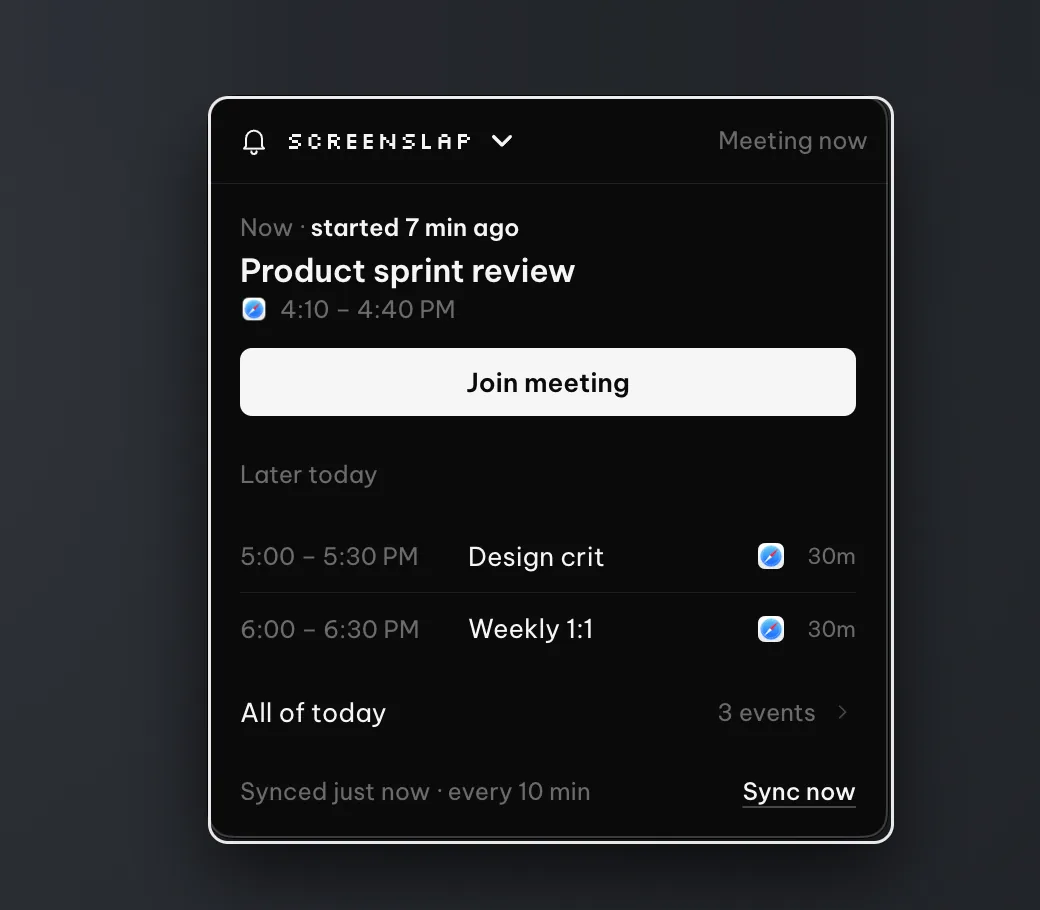
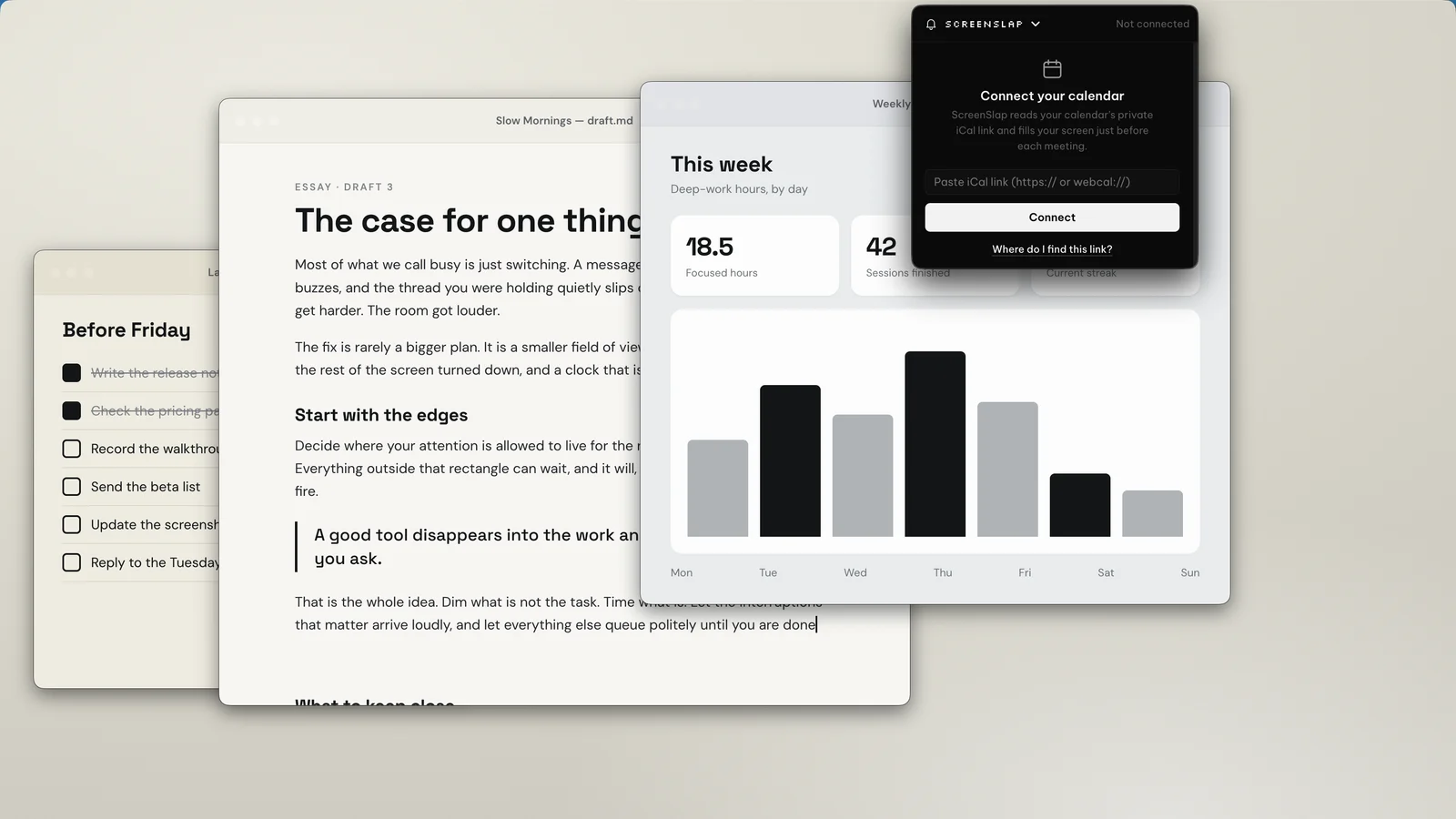
- Choose how early the alert appears
Search your clipboard history
Everything you copy is saved and searchable. Find this morning's link or last week's address in a couple of keystrokes, then paste it straight back.
- Searchable history of everything you copy (up to 2,000 clips)
- Pin the things you paste every day
- Passwords and API keys are detected and never saved
- Previews for images, code and links

Pomodoro timer with focus detection
Work in focused sessions with a mini timer that floats above your work, so you always know how long is left.
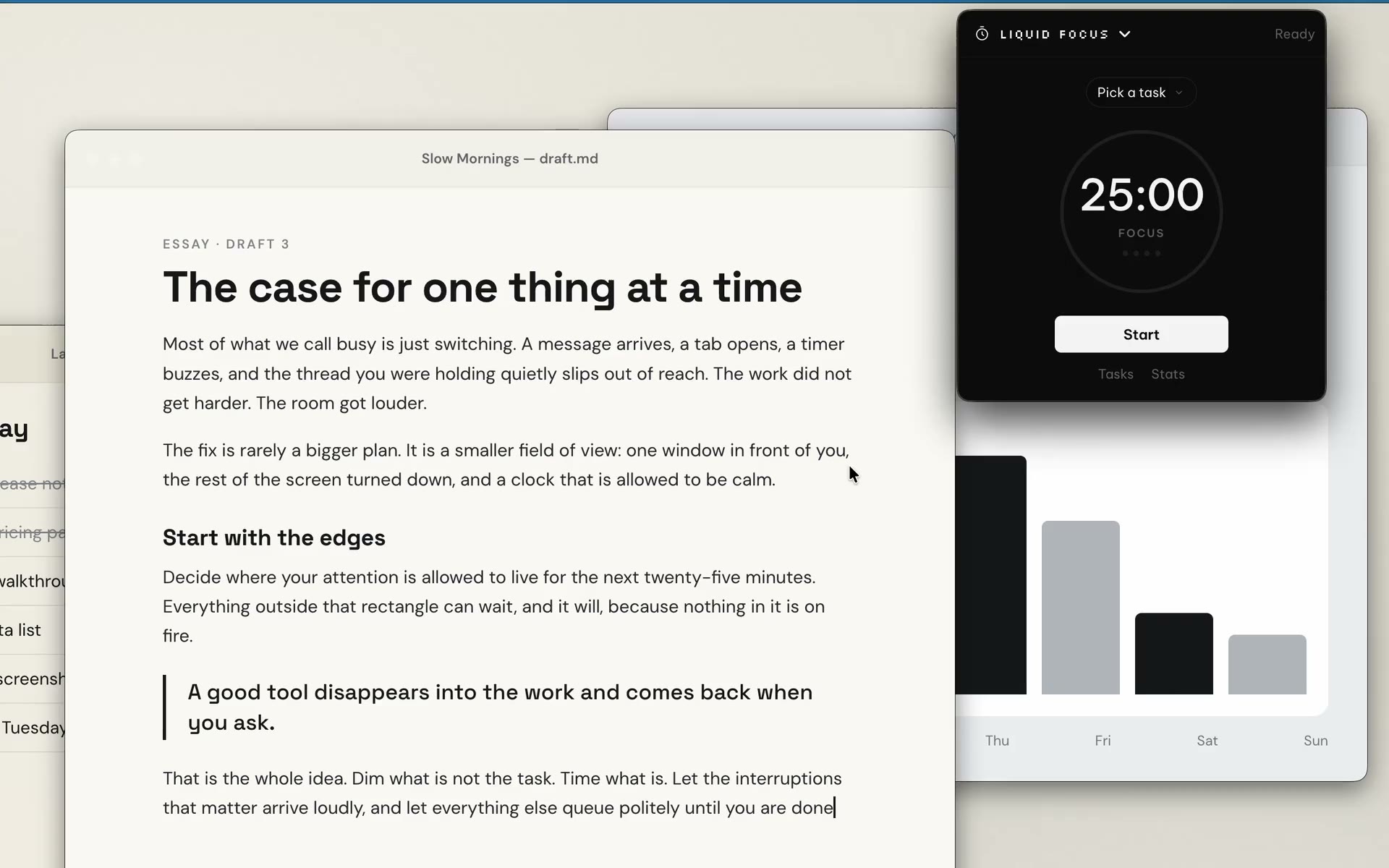
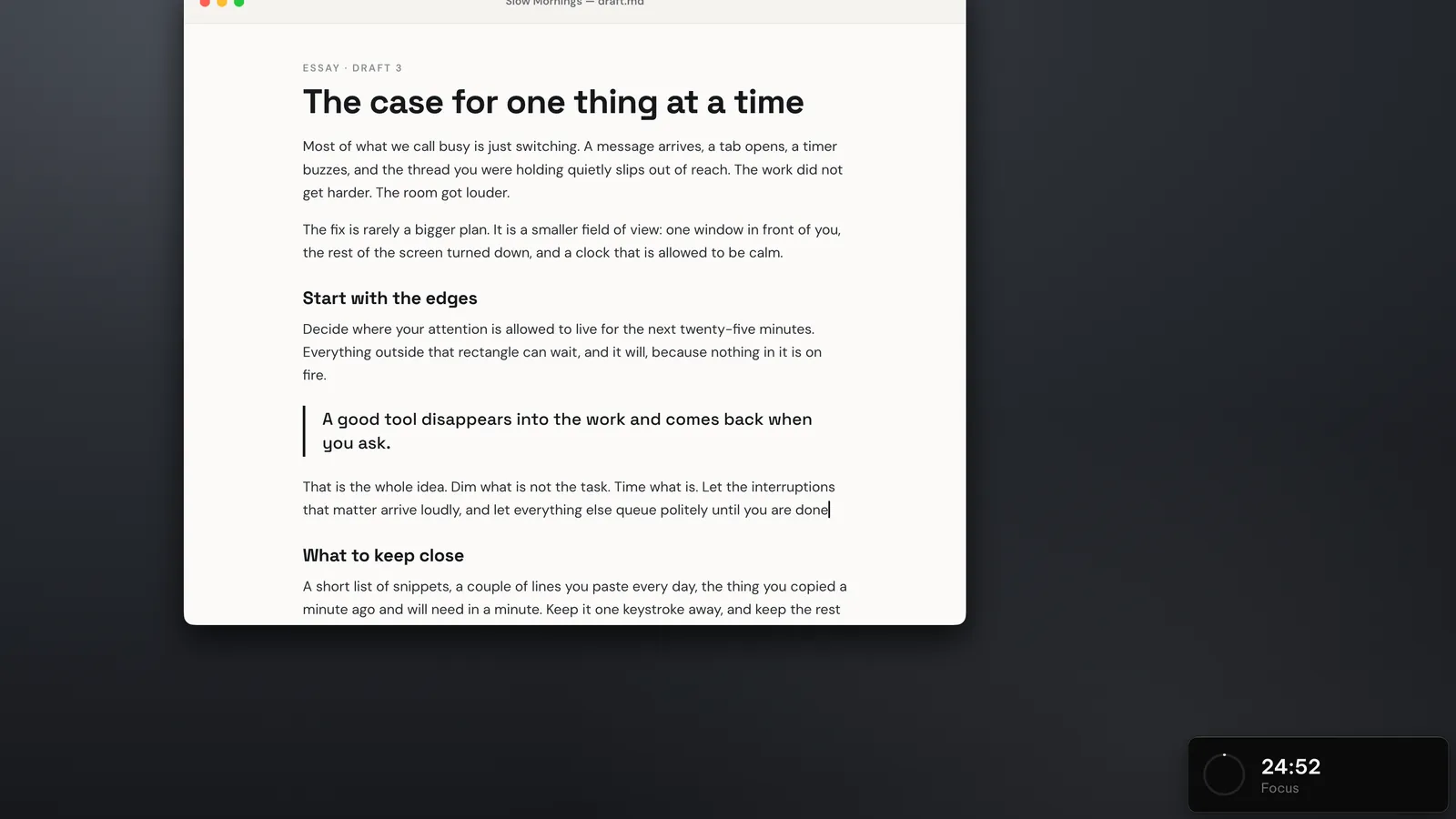
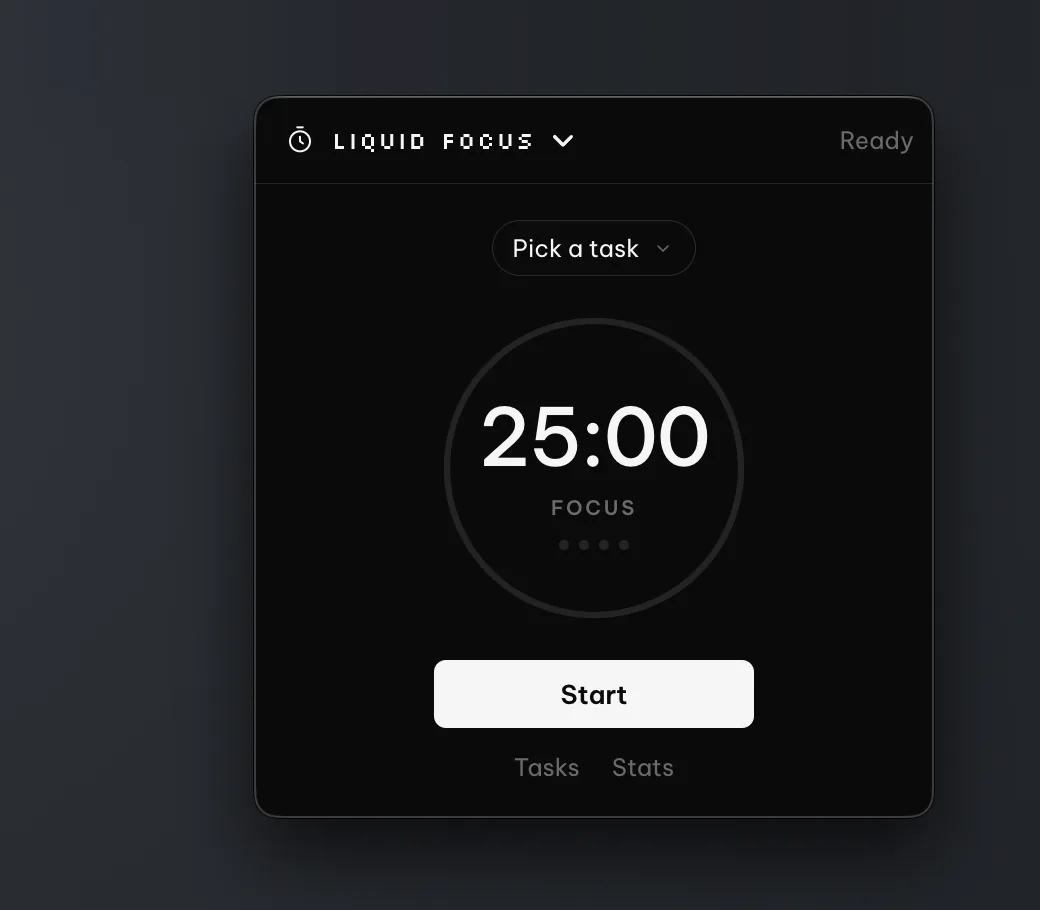
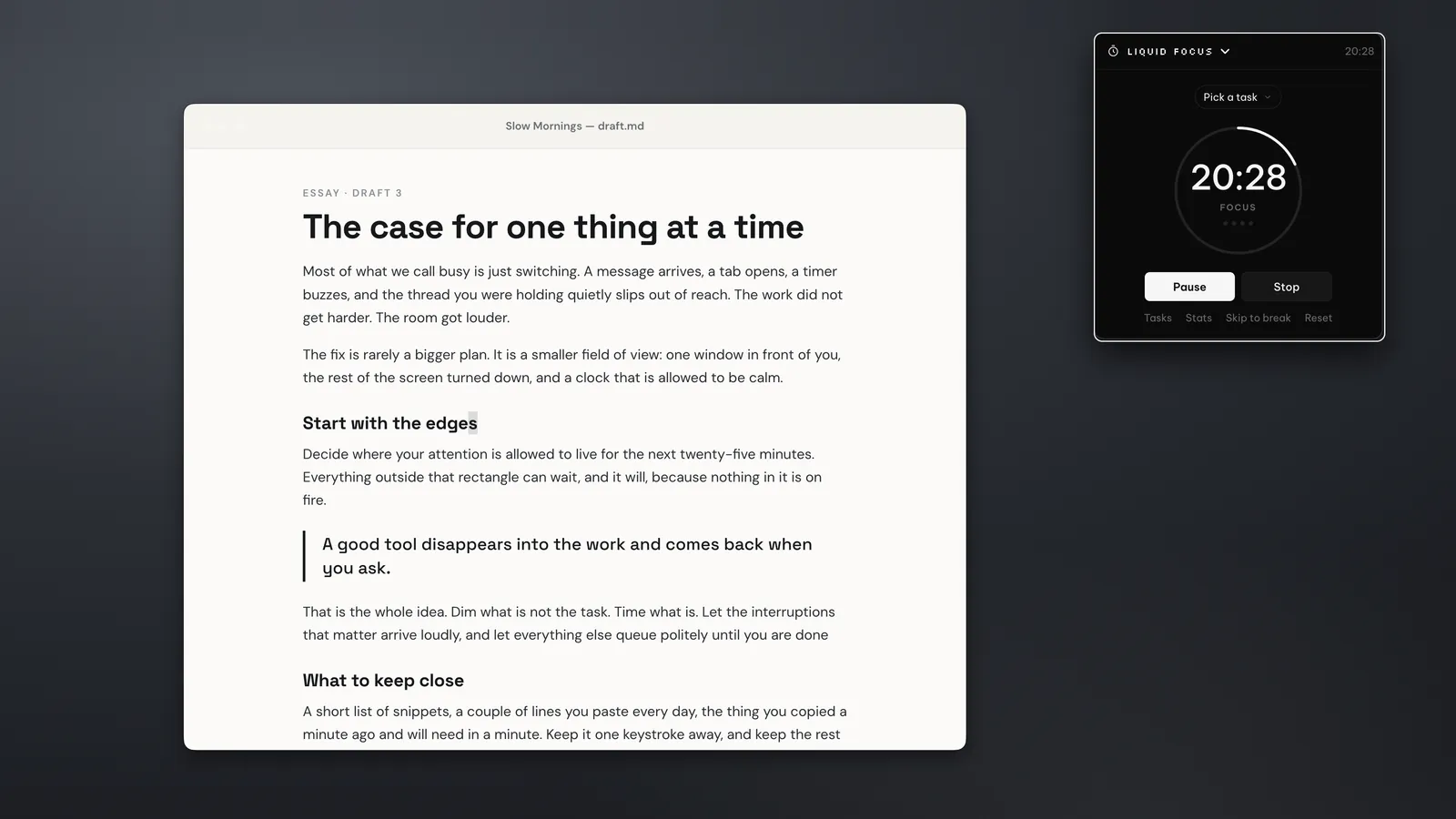
- Optional webcam focus detection. Frames are checked on your computer and never stored
- Track your daily streak
Also in PeakFlow
Press Option+Space on a Mac or Alt+Space on Windows to open an app or file, do a sum, convert units or paste a saved snippet. It stays free after the trial.
QuickBoard's AI actions and the launcher use the ChatGPT or Claude plan you already have, through the Codex or Claude Code app on your computer. Your text goes straight to OpenAI or Anthropic.
"This actually works on Mac as well, you should probably mention that. I'm obsessed!"
Recently shipped
The last three releases. See the full changelog
Mac: the right download for your Mac
FocusDim: the outline stays on your window
Mac: hold-to-talk works again after updating
Try all five tools free for 30 days.
Every download includes all five tools for 30 days. The trial starts automatically, with no account or card.
- All five tools
- Every feature included
- No account or card
- No telemetry in the app
- All five tools
- Every feature, no limits
- Cancel anytime
- Yours to keep, with all v2 updates
- One-time payment
- No subscription
Buy one tool · US$9.99
Bought PeakFlow v1? Your licence keeps working for the tools you bought.
The launcher is free for everyone. Dictation is paid separately, with prepaid top-ups from US$5.
Questions about pricing? Email contact@getpeakflow.pro
Questions
You can email me at contact@getpeakflow.pro if you have another question.
Is PeakFlow free to try?
How long is the free trial?
Is it safe to download?
Do I need every tool?
Is there a Mac version?
Does the webcam focus detection store video?
Give it a go, free for 30 days
All five tools, no account or card needed. Mac and Windows.
Windows 10 and 11, 85 MB. Also on Mac.